


Quick Answer
To create a Telegram account, download the official Telegram app, enter your mobile phone number, and complete the verification process. Once verified, add your name, set up your profile, and adjust your privacy settings. You can also use a supported virtual number or an anonymous number from Fragment if you prefer not to register with your personal phone number. A stable network connection can help avoid interruptions during sign-up.
What Is Telegram App Used For?
Telegram is a cloud-based messaging app for personal communication, file sharing, and online communities. Beyond private chats, users can follow channels, join groups, and receive updates from organizations, creators, and communities.
Key Uses of Telegram:
- Messaging and Calling: Send text messages, photos, videos, and voice notes, or make voice and video calls with other users.
- File Sharing: Share documents, photos, and videos through chats, with support for files up to 2GB per file for regular users.
- Channels and Updates: Subscribe to public channels to receive news, announcements, product updates, and other content published by channel owners.
- Groups and Communities: Join interest-based communities, participate in group discussions, and stay updated on shared topics or community announcements.
- Bots and Automation: Use bots to receive notifications, answer customer questions, manage tasks, or automate routine interactions.
- Secret Chats: Have end-to-end encrypted private conversations with options for automatically deleting messages.
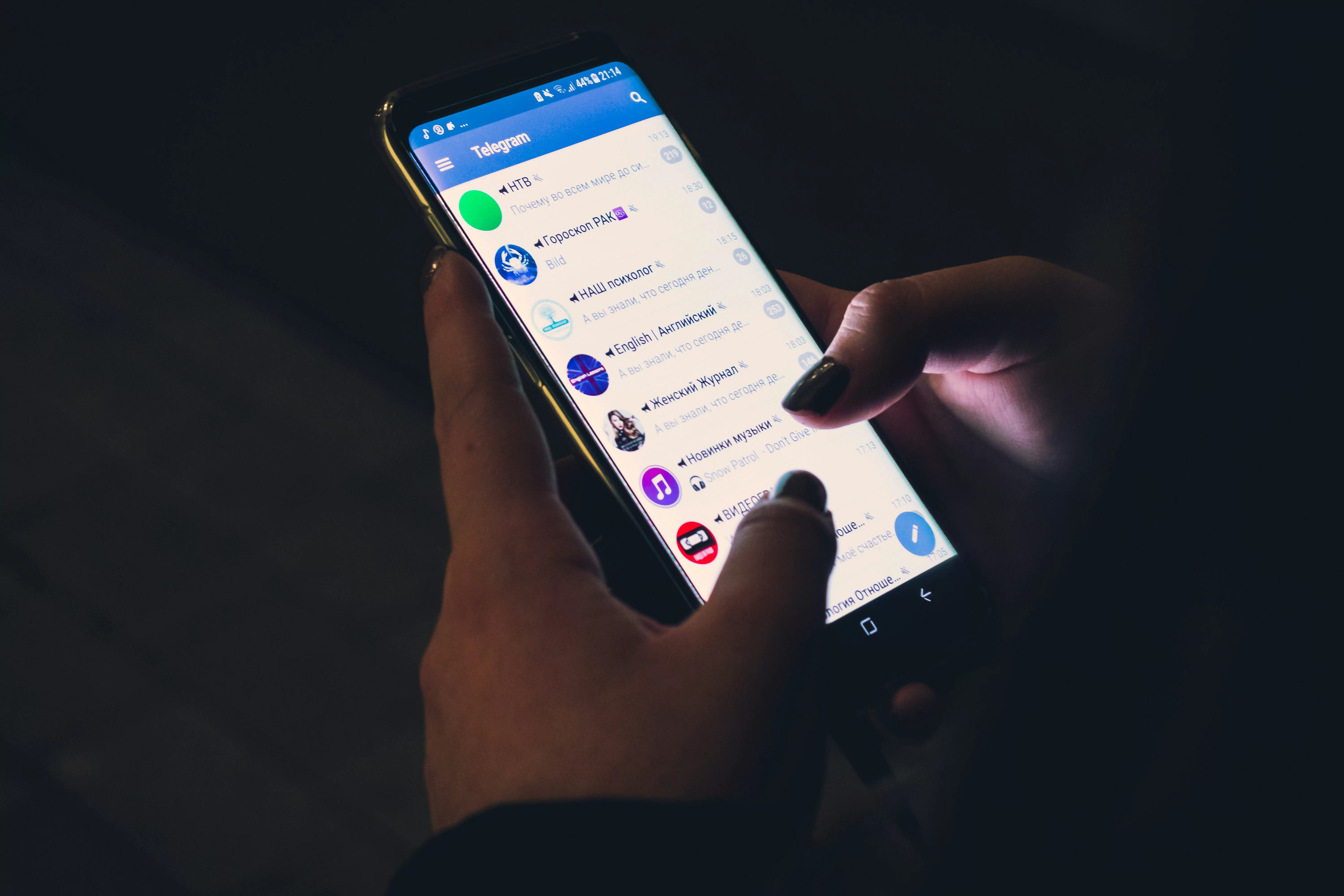
Creating an account is straightforward. Follow these steps to get started with Telegram.
Step 1: Download the Official Telegram App
Before creating an account, download the official Telegram app on your device. Telegram is available for iOS, Android, Windows, macOS, and Linux. You can choose the version that matches your device:
- iOS: Download Telegram from the Apple App Store.
- Android: Install Telegram from Google Play.
- Desktop: Download the desktop version from the official Telegram website.
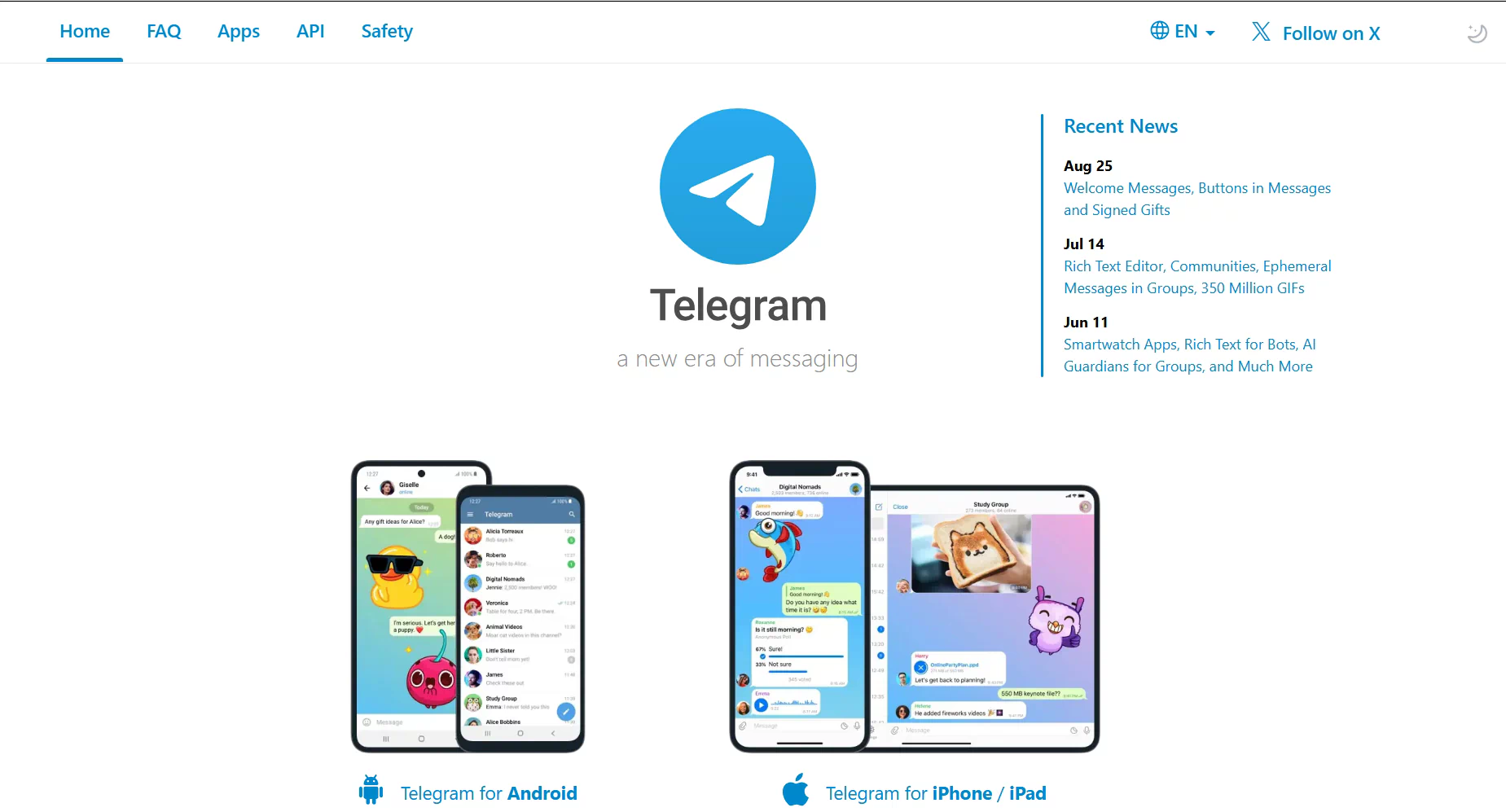
Once installed, open the app and tap Start Messaging to begin registration.
Step 2: Enter Your Phone Number
Open Telegram and select your country from the registration screen. Enter your mobile phone number and check that the country code is correct before tapping Next.
Can You Create a Telegram Account Without Using Your Personal Number?
If you don’t want to use your personal number when creating a Telegram account, you can consider using an eligible virtual phone number or an anonymous number purchased through Fragment.
Virtual and personal phone numbers offer different benefits. Here’s how they compare:
| Comparison | Virtual Number | Personal Number |
|---|---|---|
| Privacy | Keeps your personal number private. | Linked to your personal contact details. |
| Unwanted Calls | Helps reduce exposure of your primary number. | May receive unwanted calls or messages. |
| Multi-Device Login | Requires continued access for future verification. | Convenient for receiving verification codes. |
| Long-Term Use | Depends on the provider’s retention policy. | Easier to maintain if kept active. |
| Best For | Users who prioritize privacy. | Users who prioritize long-term access. |
Not all virtual numbers are accepted by Telegram. Some may be unsupported, previously used, or unable to receive verification codes. Make sure you can retain access to the number for future verification and account recovery.
Explore more virtual phone number services in our guide to the best free Google Voice alternatives, featuring different providers, features, and free plan limitations.
Step 3: Complete Telegram Verification
After entering your phone number, Telegram will send you a verification code to confirm that you have access to the number. Depending on your account and login status, you may receive the code through one of the following methods:
- SMS Code: Receive a verification code via text message on your registered phone number.
- Telegram App: If you’re already logged in on another device, Telegram may send the code directly to that active session.
- Phone Call: In some cases, Telegram may offer a phone call as another verification option.
Enter the latest verification code in the app to continue. If you don’t receive it, check that your phone number and country code are correct, make sure your device can receive messages, and check your other active Telegram sessions.
Avoid requesting multiple codes in quick succession, as this may cause confusion when entering an older code. Never share your verification code with anyone.
Step 4: Set Up Your Telegram Profile
Once your phone number is verified, you can set up your Telegram profile by entering your first name, adding an optional last name, uploading a profile picture, and choosing a unique username. Your username allows others to find and contact you without knowing your phone number. You can update these details anytime in Settings.
Step 5: Customize Your Telegram Settings
After setting up your profile, you can customize Telegram to suit your preferences. Go to Settings to adjust notifications, chat appearance, language, and data usage.
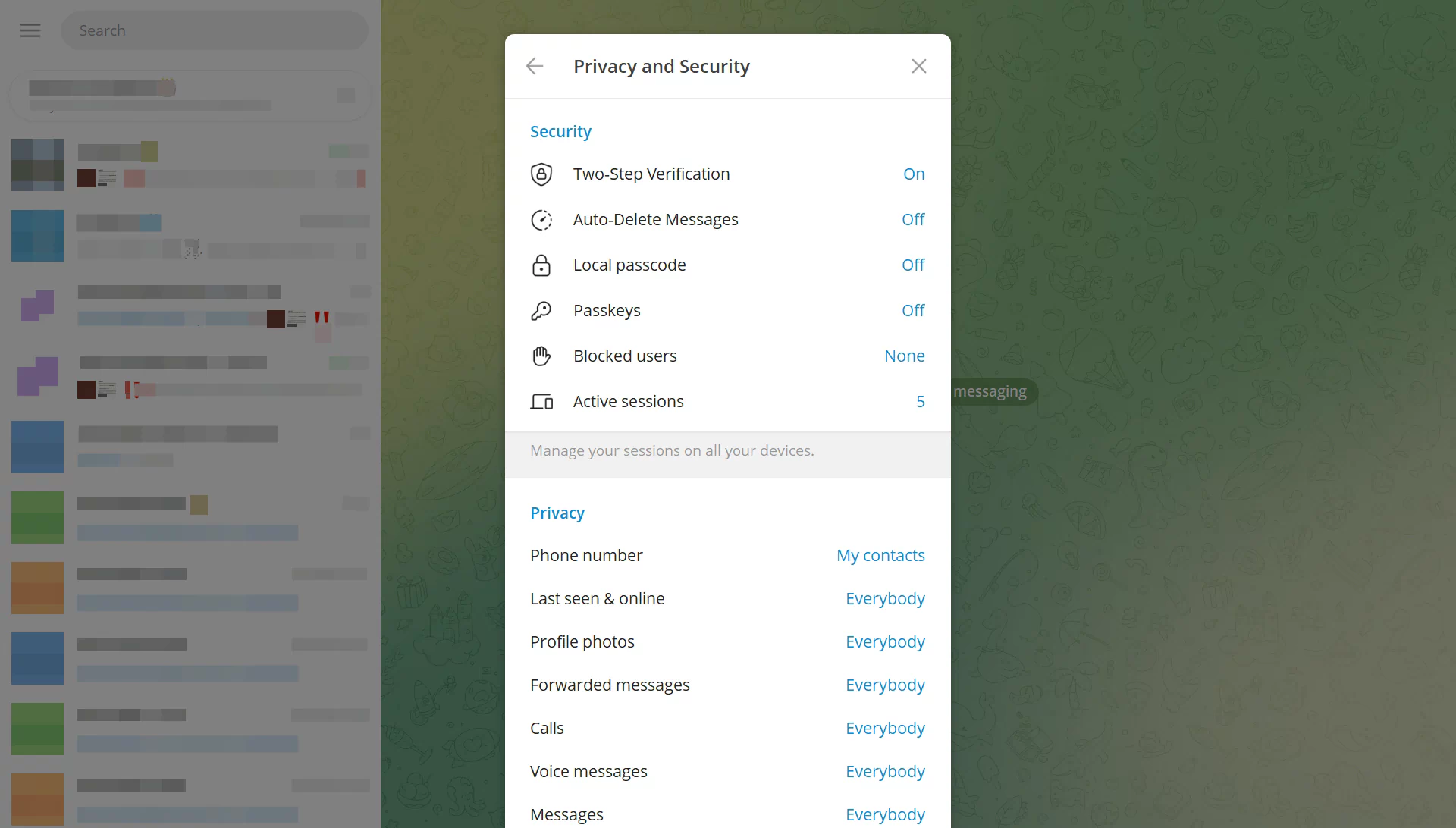
You can also review your privacy settings under Settings > Privacy and Security > Phone Number. Choose who can see your phone number, such as Nobody or My Contacts, depending on your preferences. Check the exceptions as well. Keep in mind that who can find you by your phone number is a separate setting, so review that option too.
What Affects Telegram Registration and Verification?
IP Reputation
An IP address has a usage history that may affect how online platforms assess a connection. IPs associated with spam, suspicious activity, or repeated abuse may receive more scrutiny from some services.
Before registering, you can use an IP checker to review your IP address, location, ISP, and available risk information. The following is an IP check example using a FlashIP US Static ISP Proxy.
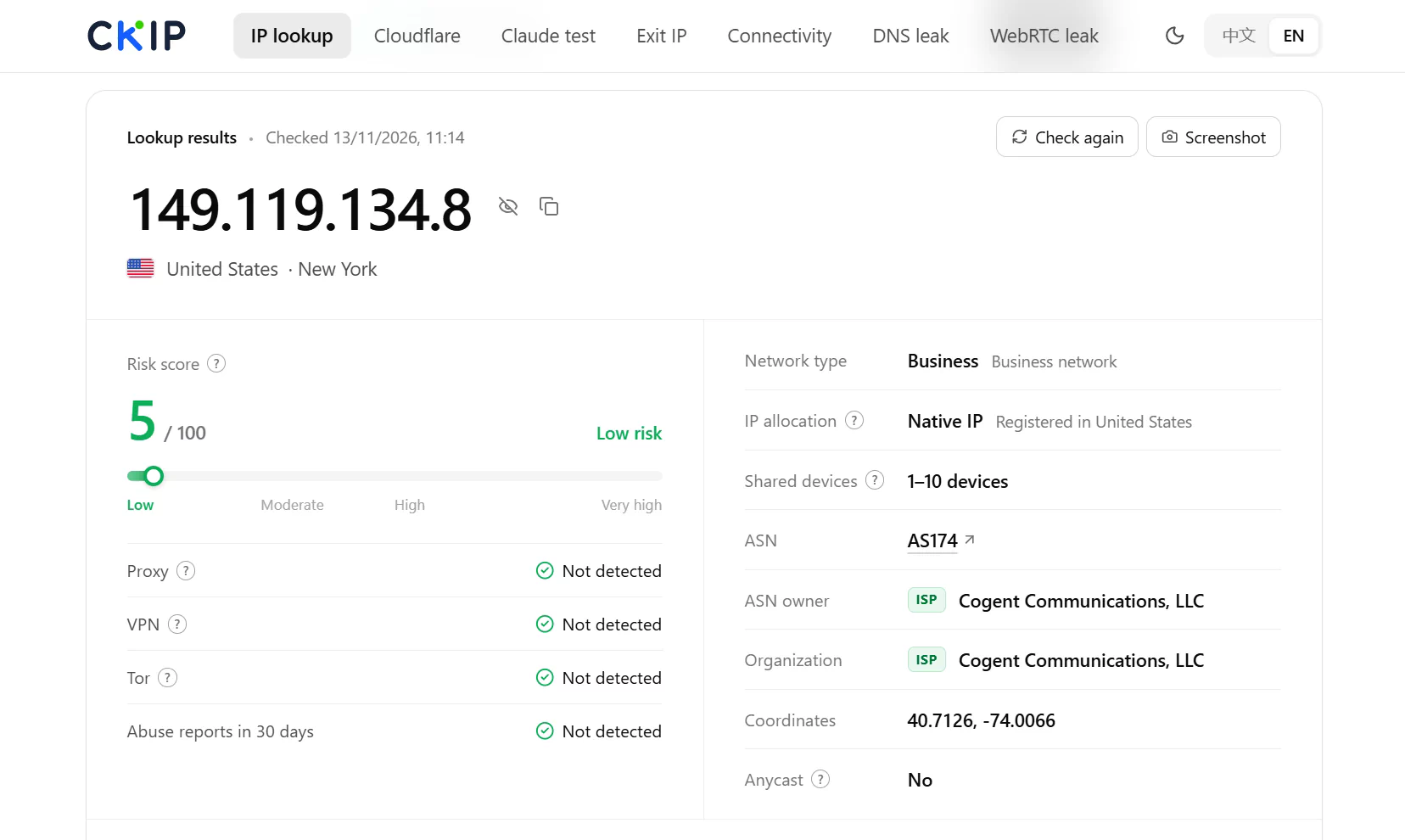
A risk score of 5/100 indicates that CKIP classifies this IP as low risk and no abuse reports in the past 30 days, suggesting a relatively clean network profile.
If you want to learn more about IP reputation and how it is assessed, read our guide to IP reputation.
IP Location Consistency
Your phone number’s country code and IP address location are separate pieces of information. However, if you’re using a virtual number, a mismatch between its country and your IP location may contribute to verification issues, including delays or failure to receive the verification code.
To keep your network environment consistent, choose a proxy location that matches your intended region where possible. FlashIP supports country and region targeting, and now offers city-level targeting in selected U.S. cities. You can choose specific cities based on your business needs
Network Stability
Frequent IP changes or unstable connections can interrupt Telegram registration, verification, or future logins. A stable network connection helps make everyday access more consistent.
A Static ISP Proxy is worth considering if you need to keep the same IP address across sessions. Unlike rotating proxies, it provides a fixed IP associated with an ISP network. This can help keep the same IP address across sessions, reduce unnecessary IP changes, and support recurring online activities.
Explore FlashIP Static ISP Proxies
FAQ
Can I use the same Telegram account on multiple devices?
Yes. Telegram allows you to log in to the same account on multiple devices, including phones, tablets, and computers. Your cloud chats sync across devices, so you can access your messages without transferring them manually. Secret Chats, however, are device-specific.
Can people find me on Telegram without my phone number?
Yes. You can set a public username that other users can search for and use to contact you. You can also adjust your phone number visibility under Settings > Privacy and Security to control who can see your number.
Can I have two Telegram accounts on one phone?
Yes. Telegram supports multiple accounts in the same app. You can add another account using a different phone number and switch between accounts without logging out each time.
Can I use a proxy with Telegram?
Yes. Telegram supports proxy connections, including SOCKS5 and MTProto proxies. A proxy can route your Telegram traffic through another server. FlashIP offers residential and Static ISP Proxies for users with different network needs. Check the proxy protocol and Telegram compatibility before choosing a service.
Why is my Telegram account limited?
Telegram may limit accounts that are reported for spam, send unsolicited messages, or violate its Terms of Service. If your account is restricted, you can check its status through the official @SpamBot on Telegram and follow the instructions to appeal if you believe the restriction was applied by mistake.