


Key Takeaways
- A drop in likes, replies, or impressions does not automatically mean you are shadowbanned on Twitter (X).
- Check your public profile, post search visibility, direct post links, and reply placement from a logged-out view and an unrelated account.
- One failed check is not enough. Repeat the same test across different viewers or conditions before drawing a conclusion.
- Search visibility, reply ranking, and overall reach can be affected separately. A post that is hard to find in search may still be publicly accessible through its direct link.
Check What Other People Can See
Pick one recent public post and use it for every check.
- Open the post’s direct link while logged out, if public viewing is available.
- Ask a friend with an unrelated account to search for your profile and post.
- Compare what they can see with what you can see from your own account.
Your own account is not a reliable test on its own because X knows you are the author. Before you begin, make sure your account is public, the post has not been deleted, and the test account is not blocked or muted by you.
Choose a post with a specific phrase that is easy to search. A phrase with a few uncommon words works better than a general topic or popular hashtag.
Search for Your Account and Post
Ask the other person to search for:
1. Your username
2. Your display name
3. A specific phrase from the post
4. A keyword or hashtag used in the post
Check whether they can find your profile, the selected post, and other recent posts. If possible, repeat the same search with someone who does not follow you.
One missing result does not prove a problem. Search results can change based on the viewer, location, language, and timing. New posts may also take time to appear in search. If the post does not show up, try the same search again later.

Open Your Profile and Direct Post Link
After the search check, ask the observer to open your profile directly and then open the selected post using its direct link. This shows whether the issue is limited to search or affects access more broadly.
If your profile and post both load normally, but the post does not appear in search, focus your next test on search visibility. If the post link does not open, first check whether the post was deleted, requires login, is unavailable in that viewer’s region, or is affected by a temporary X issue. Repeat the same check with another unrelated viewer before treating it as a wider visibility problem.
Check a Reply in a Public Conversation
To check a reply, send the observer the link to the original post rather than your profile. Ask them to look through the conversation and see whether they can find your reply naturally. They should also check any “more replies” or filtered sections that appear.
If they cannot find the reply, open its direct link. A reply that is available through its link but difficult to find in the conversation may have a reply-placement or filtering issue. One person seeing your reply lower in the thread is not enough to draw a conclusion. Repeat the same check with another unrelated account and compare the result.
What Your Results May Mean
Not every visibility issue affects your entire account. The goal is to identify what is actually harder for other people to find.
| What you notice | What it may mean | What to check next |
|---|---|---|
| Your profile or username is difficult to find | Your account may be harder to discover in search, or the result may vary by viewer | Repeat the search later from an unrelated account |
| A post opens through its direct link but does not appear in search | The issue may be limited to search or content discovery | Search for the post again using a specific phrase from it |
| A reply opens through its direct link but is hard to find in the conversation | The reply may be ranked lower or placed in an additional reply section | Check the same conversation from another unrelated account |
| X shows an account or feature notice | X has taken a direct action on the account or feature | Read the notice and follow the support or appeal option shown |
Lower impressions or engagement alone are not enough to confirm a visibility problem. Reach can change with your posting time, topic, format, audience activity, and the performance of your other recent posts.
Compare Results From Different Locations
Location can affect what people see in search, recommendations, and public conversations. If you need to check whether a public X profile or post appears differently across markets, repeat the same search and direct-link checks from each location while keeping the browser, search query, and test steps consistent.
Residential proxies are a good fit for this type of check because they let you test public content from a selected location and keep that location consistent while you review a profile, post, and reply.
FlashIP residential proxies support location-specific public-web testing across 195+ countries and regions. City-level IP targeting is currently available in selected U.S. cities, so you can compare results from a specific market instead of relying on a random U.S. location.
A proxy only changes the network location used for the test. It does not confirm a shadowban, explain X’s ranking decisions, or remove an account restriction.
Explore FlashIP Residential Proxies
Use Third-Party Shadowban Checkers Carefully
Third-party shadowban checkers can be useful for a quick first look, but they only test selected public surfaces. They cannot show X’s internal account status or guarantee that every user sees the same result.
Do not enter your X password into a checker. If a tool reports a search or reply issue, repeat that exact test yourself from a logged-out view and an unrelated account. Treat terms such as “ghost ban,” “reply ban,” and “search ban” as descriptions of what the tool found, not as a confirmed platform diagnosis.
What to Do Next
If the same issue keeps appearing, follow this order:
Test again → Save the evidence → Check for an X notice → Use the official support route if needed
- Test again: Ask at least one more unrelated account to repeat the same search, post-link, or reply check.
- Save the evidence: Keep the post link, search terms, date, time, and screenshots.
- Check your X account: Look for any notice about an account or feature restriction.
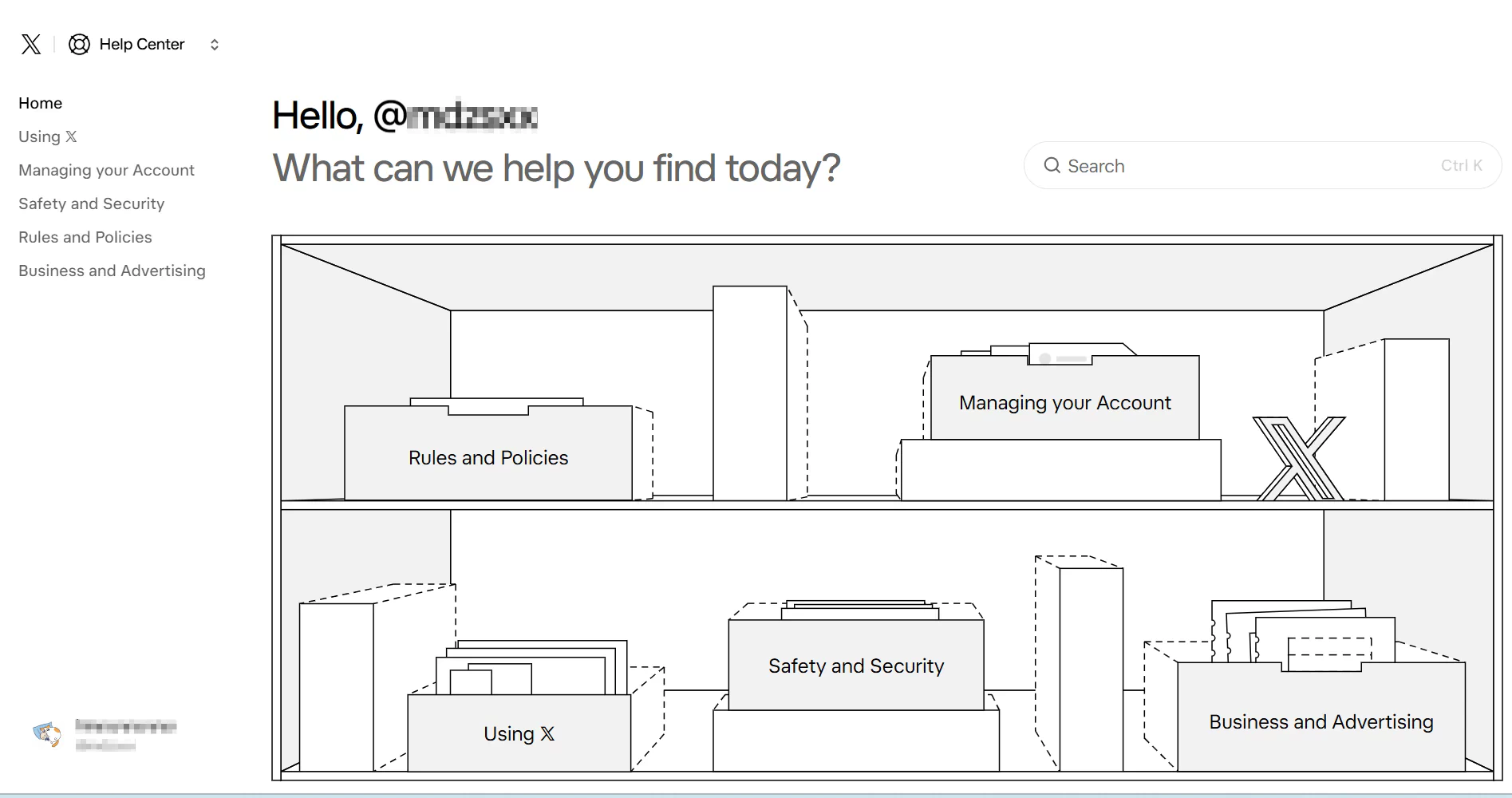
- Use the right support route: Use the right support route: If X shows a restriction notice, follow the steps in that notice first. If you believe a locked, suspended, or limited account was restricted by mistake, use X’s official appeal form. If your X account has been suspended, read How Long Do X Appeals Take? for practical next steps.
If there is no official notice, describe the exact problem you found instead of simply saying that you are shadowbanned. For example: “This public post opens through its direct link but does not appear in search for its exact phrase across several unrelated accounts.” Clear evidence gives X more useful information than a general shadowban claim.
Keep using your account normally while you retest. Avoid rapid, repetitive posting or creating new accounts to get around an explicit restriction.
FAQ
Does X notify you if your account is restricted?
Sometimes. X may show a notice when an account is locked, suspended, or has limited features. However, a drop in reach or a post appearing lower in search does not always come with a notice. Check your account notifications and settings before assuming you are shadowbanned.
How long does an X shadowban last?
X does not publish a fixed timeline for what users often call a shadowban. If your account has a temporary restriction, X may show a time period or ask you to complete verification. If there is no notice, retest your profile, posts, and replies after some time instead of assuming a specific duration.
Why is my X account or post not showing up in search?
A missing search result does not always mean your account is restricted. Your profile information may have changed recently, the post may still be indexing, or the result may be affected by search ranking, sensitive-content settings, location, language, or the viewer’s account. Use a specific phrase from the post and repeat the search later from another account.
Does IP Reputation Affect My X Account?
IP reputation can affect how X evaluates a login or connection. An IP that has a history of suspicious activity, or frequent and unexpected location changes, may lead to extra verification steps or access issues.
For regular X account access and location-specific public checks, FlashIP provides stable proxy IP options that help keep your connection environment consistent.
Should I delete posts if I think I am shadowbanned?
Do not delete posts just because one post performs poorly or is missing from one search. First check whether X has shown a notice about a specific post or account action. If there is no notice, save the post link and repeat the visibility check before making changes.